
Crash Cam1.0 - Google Play
You'll be able to see results in few seconds.
Publisher Description
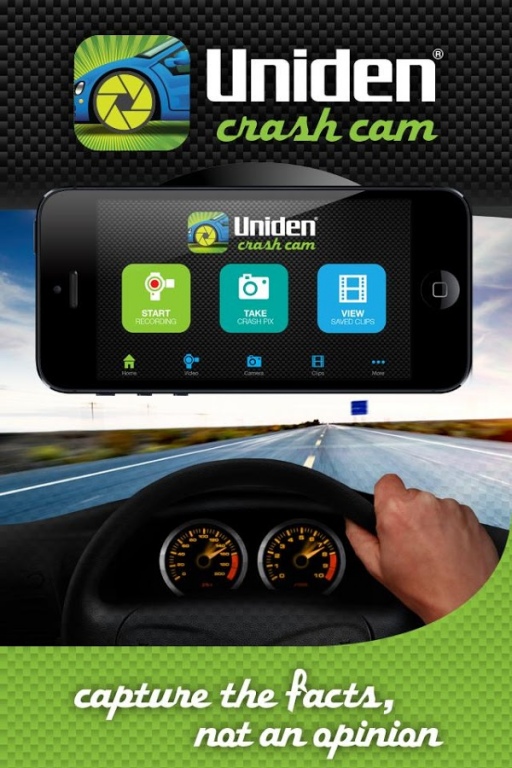
Have you ever had an accident and your version of events was different to those of the person that crashed into you?
Well now with the Uniden Crash Cam App you can record all the events, as they happen, in the case of an accident. Uniden offers the latest in vehicle accident recording ‘black box’ technology, allowing anyone with a smartphone to instantly have a ‘crash cam’ in their car, at the ready.
With your smartphone mounted on the inside of the windscreen, the Crash Cam App automatically detects any sudden, or abrupt changes in car movement through its G-Sensor and immediately records the footage on your smartphone. The recorder can also loop record, which makes a continuous recording of events. This footage can then be used as evidence of who is at fault, in the case of an accident, to police and insurance companies.
The Uniden Crash Cam App also geotags the location of the incident and has the ability to share video and images instantly through social networks, including Facebook and Twitter, as well as emailing. The recorded footage can even tell you the maximum and average speeds your vehicle was travelling with date and time stamps. Built into the App is a camera button, allowing you to take photographs after an incident, as further evidence to support your version of events.
This Uniden Crash Cam app is ideal for all drivers – daily commuters, taxi drivers, truck drivers, 4WD enthusiasts, or parents wishing to monitor the safety of younger drivers.
Another wireless solution from Uniden – World Leader In Wireless Communication.
Key Features:
- Record video in landscape and portrait formats while driving
- Built in G-Sensor with sensitivity levels
- Record audio as well as video
- Continuous loop recording
- Ability to manually activate continuous record function
- Still Photo function to capture damage detail
- Map overlay feature while recording
- Maximum and average speed for each piece of footage
- Date and time stamp
- Brightness adjust
- Record on start-up of App
- Stores recorded video and images within the App
- Save to camera roll & SD card
- Share still images or footage to Facebook, Twitter, email
- Flexible recording resolution settings (1920 X 1080, 1280 X 720, 640 X 480, 352 X 258)
- Ability to choose length of auto record clip ( 1 min, 2 mins, 5 mins and 12 mins)
- Memory allocation options & exhaustion warnings
About Crash Cam
The company that develops Crash Cam is Uniden Australia. The latest version released by its developer is 1.0.
To install Crash Cam on your Android device, just click the green Continue To App button above to start the installation process. The app is listed on our website since 2014-12-10 and was downloaded 0 times. We have already checked if the download link is safe, however for your own protection we recommend that you scan the downloaded app with your antivirus. Your antivirus may detect the Crash Cam as malware as malware if the download link to com.uniden.crashcam is broken.
How to install Crash Cam on your Android device:
- Click on the Continue To App button on our website. This will redirect you to Google Play.
- Once the Crash Cam is shown in the Google Play listing of your Android device, you can start its download and installation. Tap on the Install button located below the search bar and to the right of the app icon.
- A pop-up window with the permissions required by Crash Cam will be shown. Click on Accept to continue the process.
- Crash Cam will be downloaded onto your device, displaying a progress. Once the download completes, the installation will start and you'll get a notification after the installation is finished.
Program Details
System requirements
Download information
Pricing
Version History
version 1.0
posted on 2014-12-10
Crash Fixes & Memory Exhaustion Warnings
Disclaimer
Official Google Play Link
We do not host Crash Cam on our servers. We did not scan it for viruses, adware, spyware or other type of malware. This app is hosted by Google and passed their terms and conditions to be listed there. We recommend caution when installing it.
The Google Play link for Crash Cam is provided to you by apps112.com without any warranties, representations or guarantees of any kind, so access it at your own risk.
If you have questions regarding this particular app contact the publisher directly. For questions about the functionalities of apps112.com contact us.
